

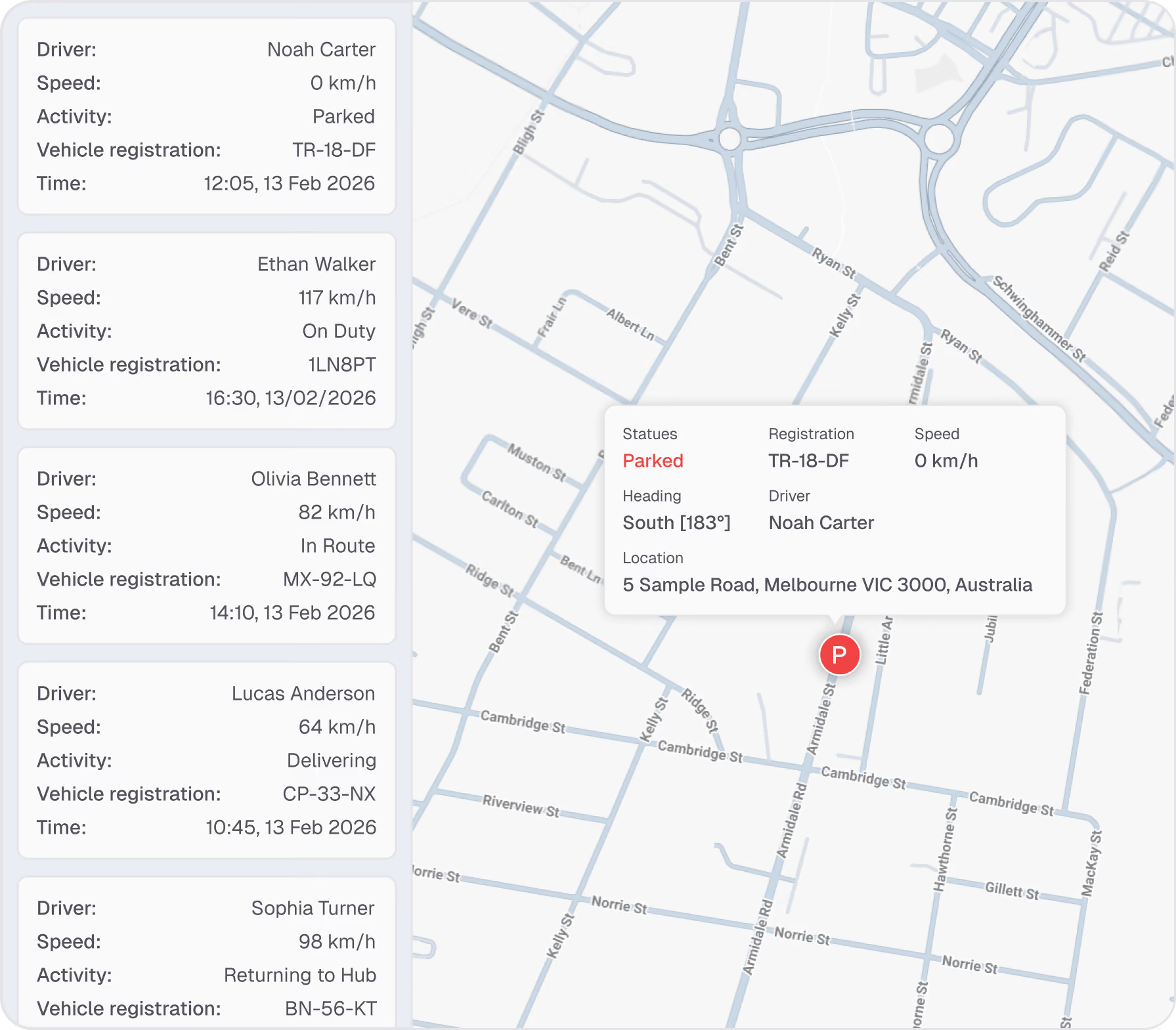

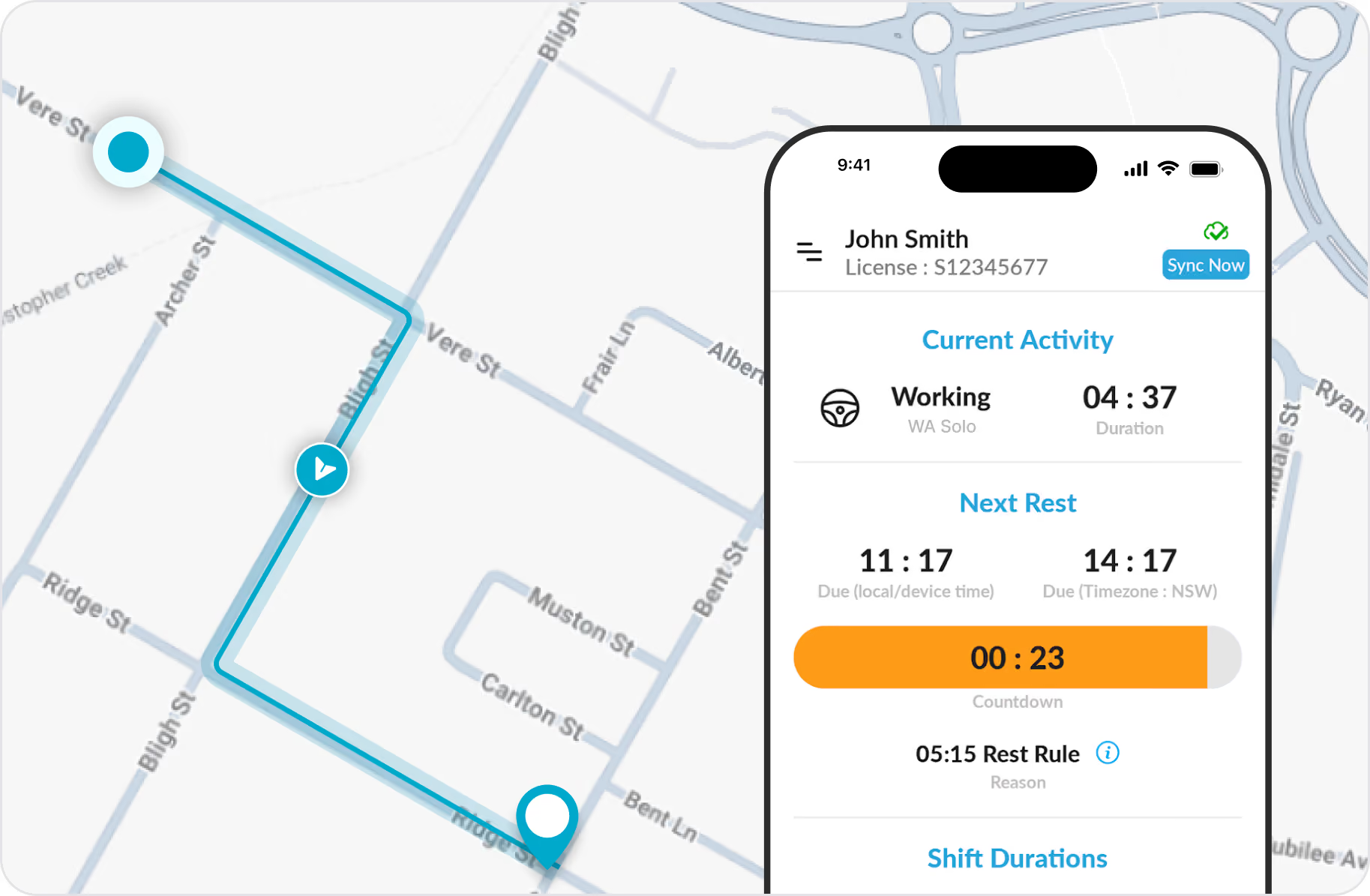

How GPS Cross-Checking Works
End-of-Shift Verification
Driver records are not locked until the driver ends their shift and signs a declaration. At that point, Hubfleet automatically cross-checks their work diary entries against GPS data.
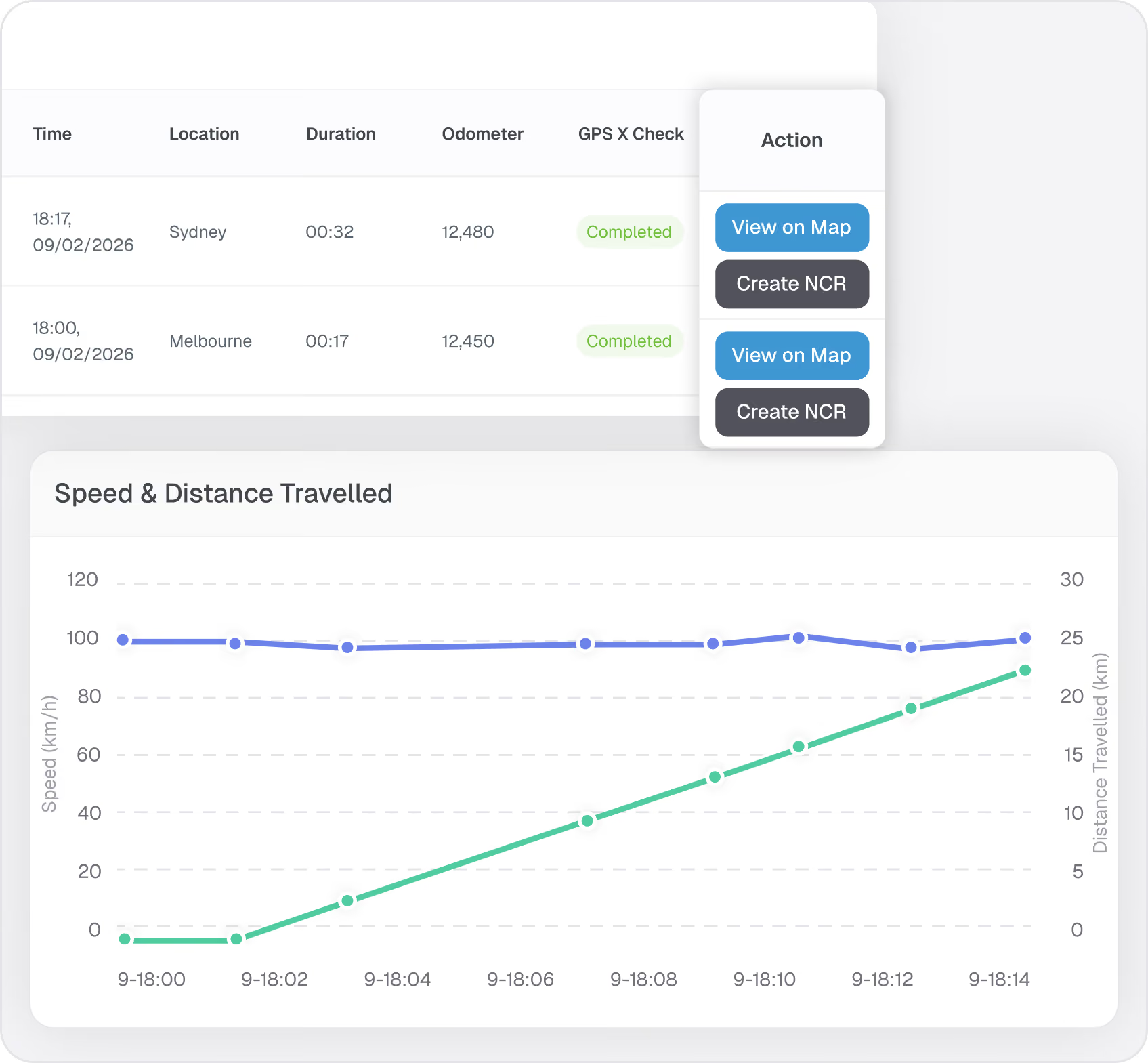
If GPS shows movement while the work diary records rest, a red flag appears on the completed shift screen. From there, the operator can:
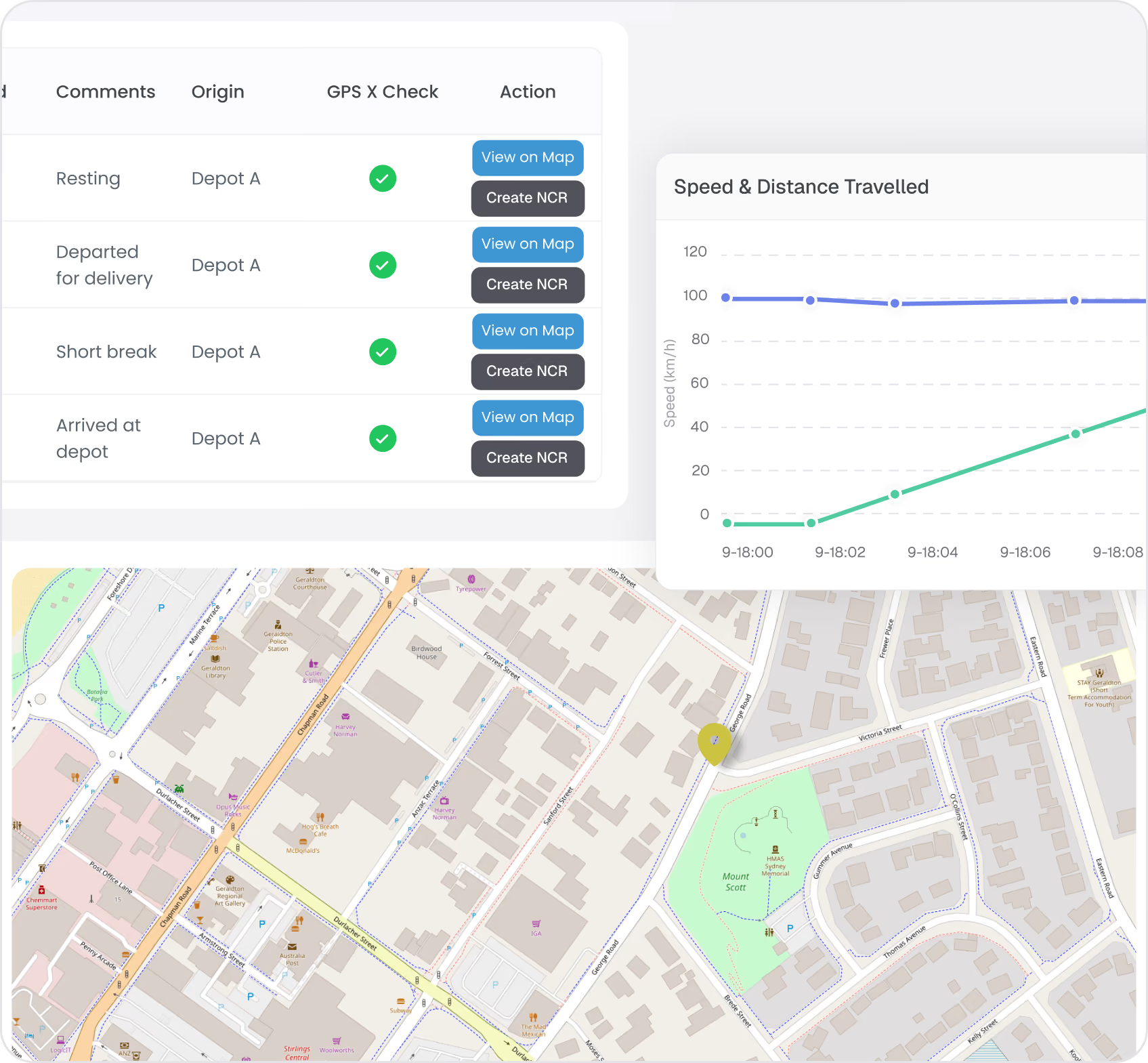
- Review the evidence — speed charts, map visualisation, timestamps
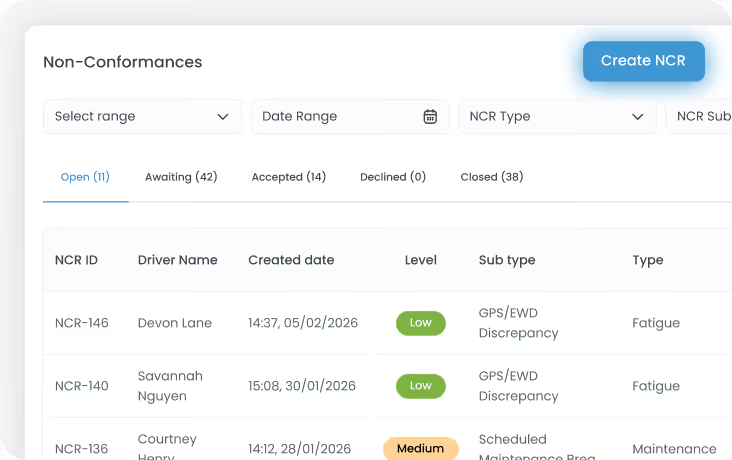
- Create an NCR in a few clicks — all GPS evidence is pre-populated
- Notify the driver — request an explanation through the app
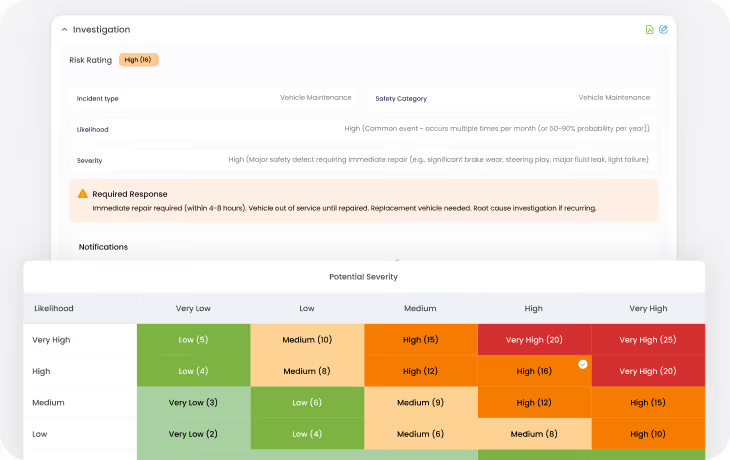
- Investigate and close — document corrective action and management review
The flag changes from red → orange when an NCR is issued, and orange → green when the NCR is closed. This gives operators a clear visual status across all completed shifts.






.avif)